

Product Title
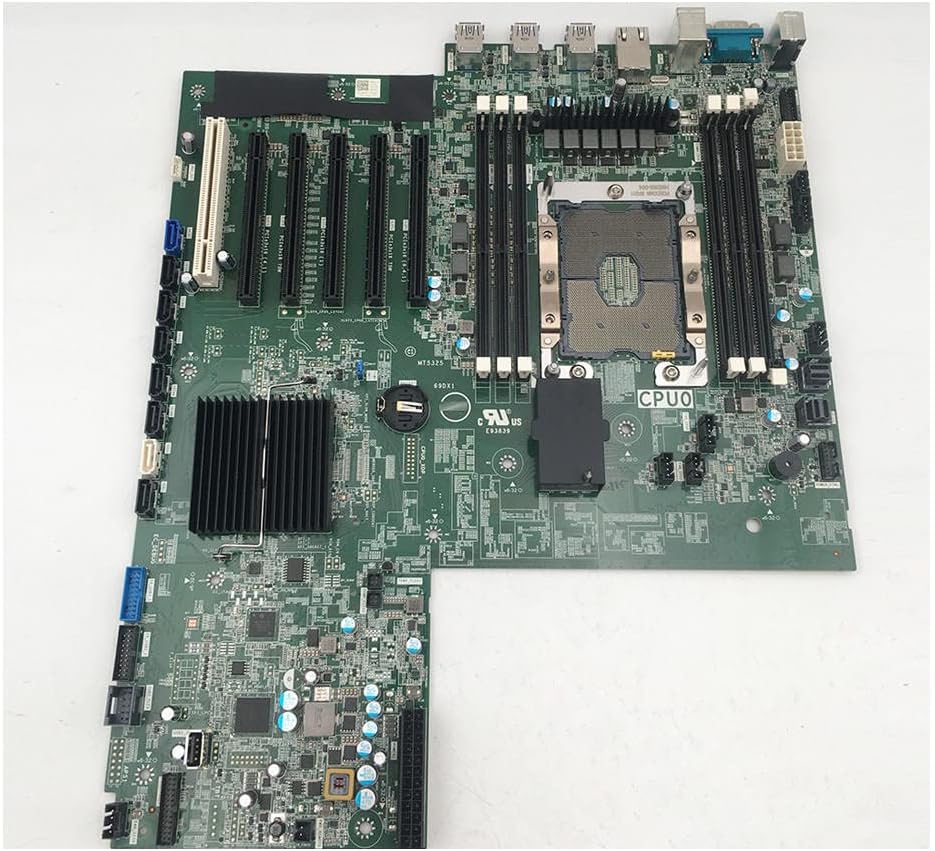
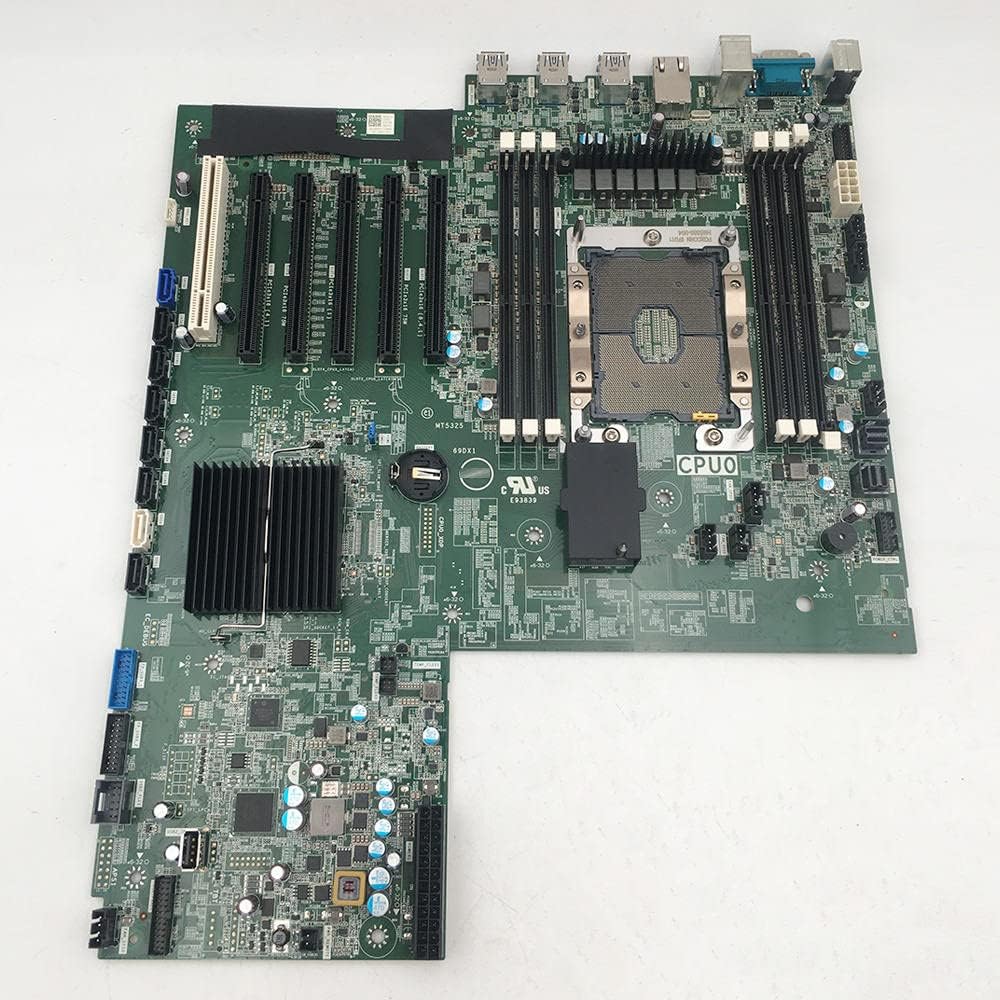
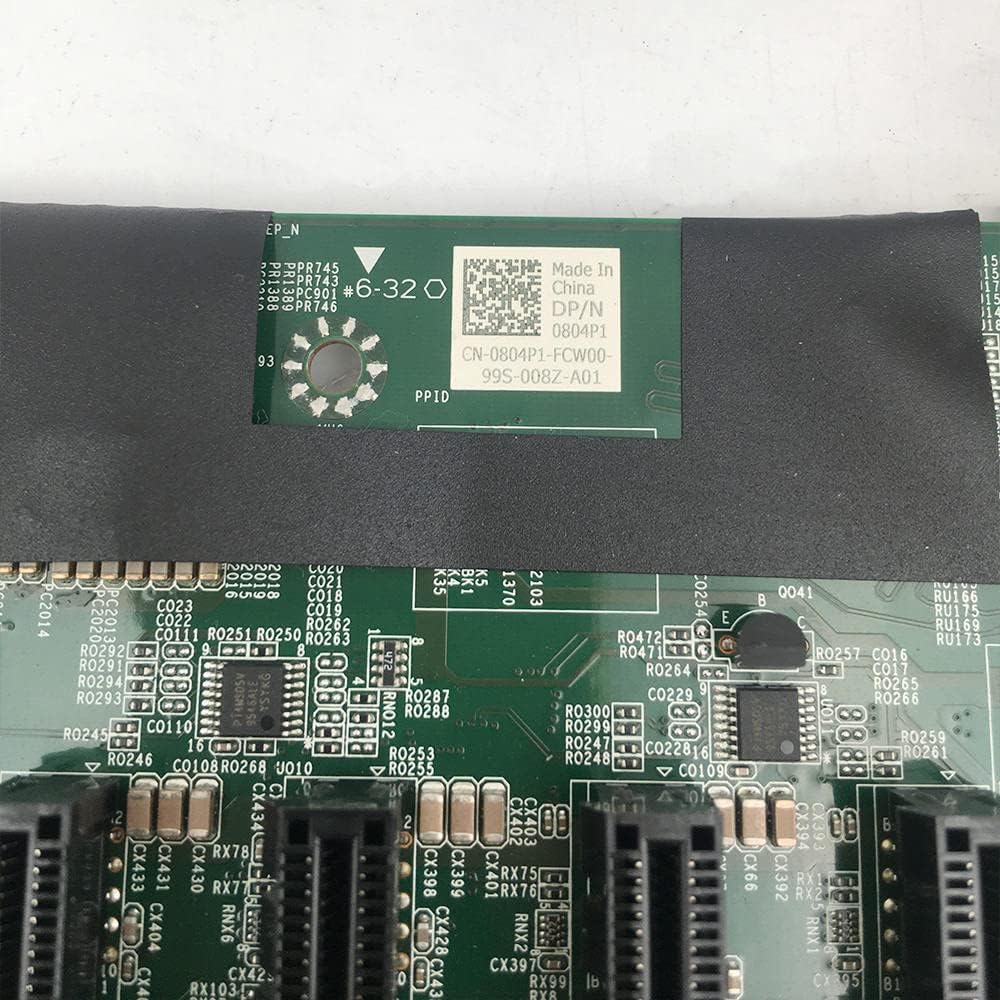
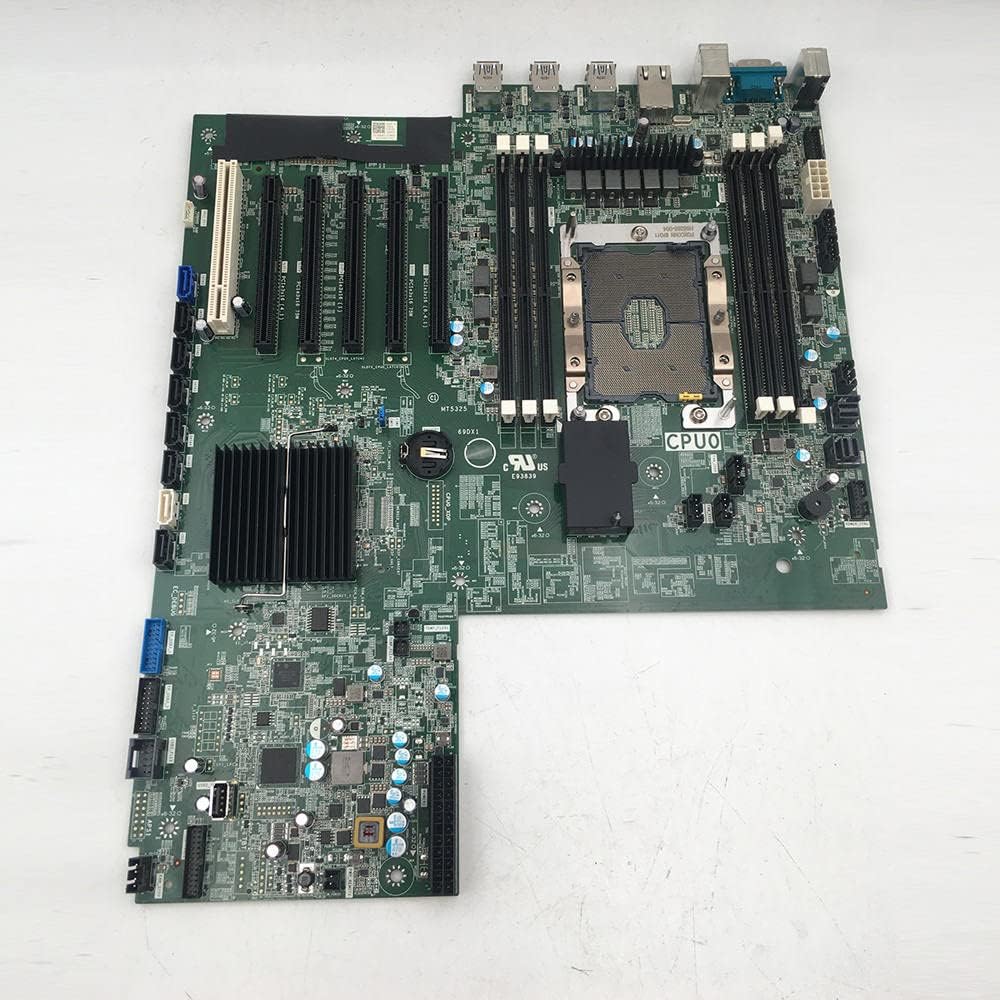
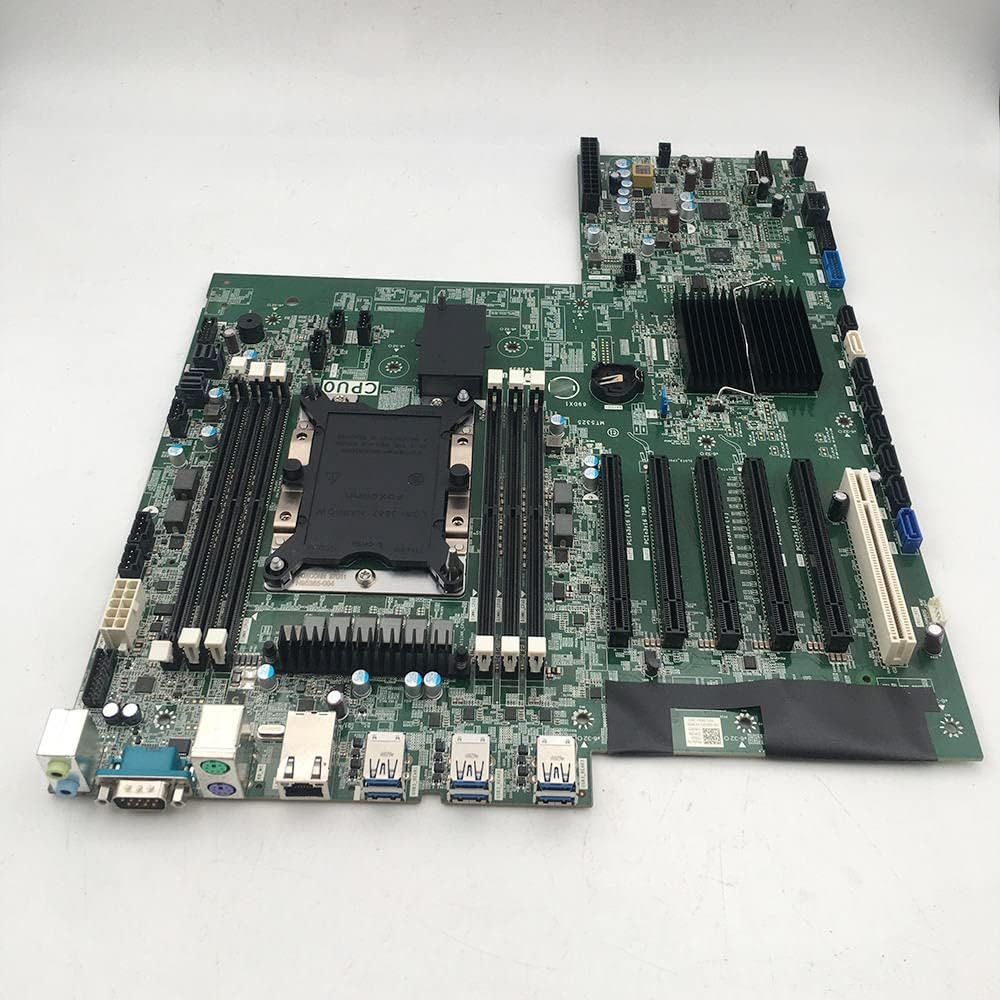
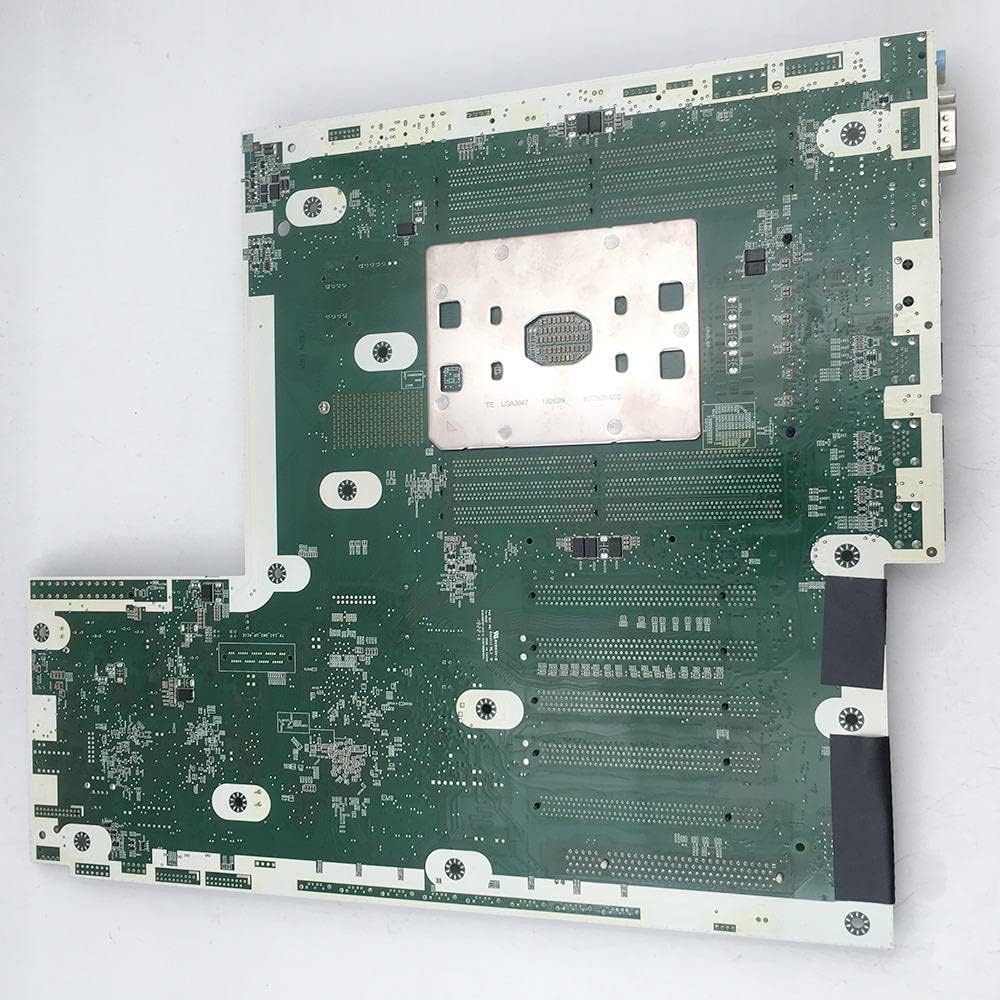
StoneTaskin Genuine Compatible Motherboard for Dell Precision 7820/T7820 Workstation - Part Numbers 0804P1 / 804P1 / CN-0804P1 / G57W2 - 100% Tested - 45 Days Warranty
Product Overview
A compatible replacement system board (motherboard) designed for Dell Precision 7820 and T7820 tower workstations. This StoneTaskin part corresponds to Dell's original part numbers 0804P1, 804P1, CN-0804P1, and G57W2, serving as the core component that houses processors, memory, and expansion slots for these high-performance workstations .
Key Specifications
-
Part Numbers: 0804P1, 804P1, CN-0804P1, G57W2 (Dell OEM references)
-
Compatibility: Dell Precision 7820 and T7820 tower workstations
-
Chipset: Intel C621 workstation chipset
-
CPU Socket: Intel LGA3647 (supports single or dual Intel Xeon Scalable processors)
-
Memory Support: Up to 384GB DDR4 ECC memory, 6 memory slots (12 DIMM slots with dual CPU configuration)
-
Expansion Slots: 6× PCIe 3.0 x16 slots
-
Storage Interfaces: SATA III, M.2 NVMe PCIe SSD support
-
Networking: Integrated Intel I219LM Gigabit Ethernet controller
-
Audio: Integrated Realtek ALC3234 high-definition audio codec
-
Testing: 100% tested for functionality
-
Warranty: 45 days from StoneTaskin
Dell Precision 7820/T7820 Workstation Context
The Dell Precision 7820/T7820 is a high-performance tower workstation designed for professional applications in engineering, content creation, scientific computing, and data analysis . Key features include:
Processor Support
-
Single or dual Intel Xeon Scalable family processors
-
Up to 28 cores per processor
-
Support for Intel Advanced Vector Extensions, Intel Trusted Execution Technology, Intel AES New Instructions
-
Optimized Intel Turbo Boost and optional Intel vPro technology
Memory Configuration
-
Six-channel memory architecture
-
With dual CPUs: Up to 384GB 2666MHz DDR4 ECC memory
-
12 DIMM slots (6 per CPU)
-
Memory speed depends on installed Intel Xeon Scalable processor
Expansion Slot Configuration
-
2× PCIe 3.0 x16 slots
-
1× PCIe 3.0 x16 (wired as x8)
-
1× PCIe 3.0 x16 (wired as x4)
-
1× PCIe 3.0 x16 (wired as x1)
-
1× PCIe 3.0 32/33 slot
Storage Options
-
M.2 NVMe PCIe SSD support (Dell Precision Turbo Drive Quad x16 card supports up to 4× 1TB drives)
-
Front FlexBay M.2 NVMe PCIe SSD (up to 2× 1TB drives)
-
Up to 6× 2.5-inch SATA drives
-
Up to 5× 3.5-inch SATA drives
I/O Ports
Front Panel:
-
2× USB 3.1 Type-A ports
-
2× USB 3.1 Type-C ports
-
1× Universal audio jack
Rear Panel:
-
6× USB 3.1 Type-A ports
-
1× Serial port
-
1× RJ45 network port
-
2× PS/2 ports
-
1× Audio output port
-
1× Audio input/microphone port
Internal:
-
1× USB 2.0 port
-
1× USB 2.0 header (requires third-party splitter cable for 2× USB 2.0 Type-A ports)
-
8× SATA (6Gb/s) ports
-
1× SATA for optical drive
Operating System Support
-
Windows 10 Pro for Workstations
-
Windows 7 Professional (downgrade option)
-
Red Hat Enterprise Linux 7.3
-
Ubuntu Linux 16.04
-
SUSE Linux (SLES 12 SP2)
-
NeoKylin 6.0 SP3 (China only)
Installation Considerations
-
Professional Installation Strongly Recommended: Motherboard replacement in a workstation is complex and requires complete system disassembly
-
ESD Protection: Use proper anti-static equipment to prevent damage to sensitive components
-
Component Documentation: Photograph and label all connections before disassembly
-
CPU Compatibility: Verify your Intel Xeon Scalable processors are compatible with the C621 chipset
-
Memory Configuration: Follow Dell's memory population guidelines for optimal performance
-
BIOS Considerations: The motherboard may come with basic firmware; update to latest BIOS version
-
Thermal Management: Ensure proper heatsink installation and thermal paste application
Verification Before Purchase
-
Confirm Workstation Model: Ensure your system is Dell Precision 7820 or T7820 (check service tag)
-
Check Existing Board: Verify your current motherboard part number matches 0804P1, 804P1, CN-0804P1, or G57W2
-
CPU Configuration: Determine if you have single or dual processor configuration
-
Compatible Part Numbers: Note that 69DX1, 069DX1, CN-069DX1 may also be compatible
StoneTaskin Quality Considerations
As a third-party compatible part manufacturer, StoneTaskin products may differ from genuine Dell components in:
-
Component Quality: May use different capacitors, voltage regulators, or other electronic components
-
BIOS Features: May lack some Dell-specific BIOS optimizations or management features
-
Build Quality: Manufacturing tolerances and material quality may vary
-
Long-term Reliability: Unknown compared to genuine Dell parts
-
Warranty Coverage: 45 days is relatively short for a critical component like a motherboard
Genuine vs. StoneTaskin Comparison
|
Aspect |
Genuine Dell Motherboard |
StoneTaskin Compatible |
|---|---|---|
|
Warranty |
Standard Dell warranty (typically 1-3 years) |
45 days |
|
Price |
Significantly higher |
More affordable |
|
BIOS Support |
Full Dell BIOS with updates and optimizations |
May have limited BIOS features |
|
Quality Assurance |
Dell-tested and certified |
100% tested by StoneTaskin |
|
Compatibility |
Guaranteed for all Precision 7820 configurations |
Compatible but may have variations |
|
Technical Support |
Dell professional support available |
Limited to seller support |
Installation Steps Overview
-
Complete System Shutdown: Power down workstation and disconnect all cables
-
Component Removal: Remove all expansion cards, memory modules, storage devices, and power cables
-
Motherboard Removal: Document and disconnect all front panel, power supply, and data cables
-
Chassis Preparation: Remove old motherboard and prepare chassis for new installation
-
New Board Installation: Carefully install new motherboard, ensuring proper standoff alignment
-
Component Reinstallation: Reinstall CPUs, memory, expansion cards, and storage devices
-
Cable Reconnection: Reconnect all power and data cables according to documentation
-
System Testing: Power on and test all components and functions
Potential Issues & Solutions
-
No Power After Installation: Check all power connections (24-pin ATX, CPU power, etc.)
-
Memory Errors: Verify memory modules are properly seated and in correct slots
-
CPU Detection Issues: Ensure CPUs are properly installed and heatsinks correctly mounted
-
BIOS Configuration: May need to load optimized defaults or configure settings manually
-
Operating System Activation: Windows may require reactivation due to hardware change
-
Driver Compatibility: Install latest Dell drivers for optimal performance
Alternative Options
-
Genuine Dell Parts: Available through Dell authorized dealers but significantly more expensive
-
Refurbished OEM: May offer original Dell boards at reduced cost with limited warranty
-
Other Third-Party Brands: Various manufacturers offer compatible Precision 7820 motherboards
-
System Board Repair: Professional repair of existing motherboard may be cost-effective
Post-Installation Checklist
-
All power cables properly connected (24-pin, 8-pin CPU, etc.)
-
Memory modules installed in correct slots according to Dell guidelines
-
CPUs properly seated with adequate thermal paste
-
All expansion cards securely installed
-
Storage devices connected and recognized
-
Front panel connectors properly attached
-
BIOS updated to latest version
-
Operating system drivers updated
-
All system functions tested (USB ports, audio, networking, etc.)
Important Notes
-
CPU Support: This motherboard supports Intel Xeon Scalable processors (LGA3647 socket)
-
Memory Requirements: Requires DDR4 ECC RDIMM memory modules
-
Power Supply: Ensure your power supply is adequate for dual CPU configurations
-
Cooling Requirements: Dual CPU configurations require adequate cooling solution
-
Warranty Implications: Installation may void any remaining Dell warranty on the workstation
-
Data Backup: Always backup critical data before performing motherboard replacement
Technical Specifications
-
Form Factor: Proprietary Dell workstation form factor
-
Power Connectors: 24-pin ATX, 8-pin CPU power (additional connectors for dual CPU)
-
Fan Headers: Multiple system and CPU fan headers
-
Management Features: Dell iDRAC support (if equipped)
-
Security Features: TPM 2.0 support
Summary
The StoneTaskin 0804P1/804P1/CN-0804P1/G57W2 motherboard provides a cost-effective replacement solution for Dell Precision 7820/T7820 workstations experiencing motherboard failure. While offering substantial savings over genuine Dell parts, users should be aware of the limited 45-day warranty and potential quality variations. This replacement is best suited for out-of-warranty workstations or situations where budget constraints are primary. For mission-critical professional applications, genuine Dell parts with full warranty and support may offer better long-term reliability despite the higher cost. Given the complexity of workstation motherboard replacement, professional installation is strongly recommended to ensure proper configuration and optimal performance.