


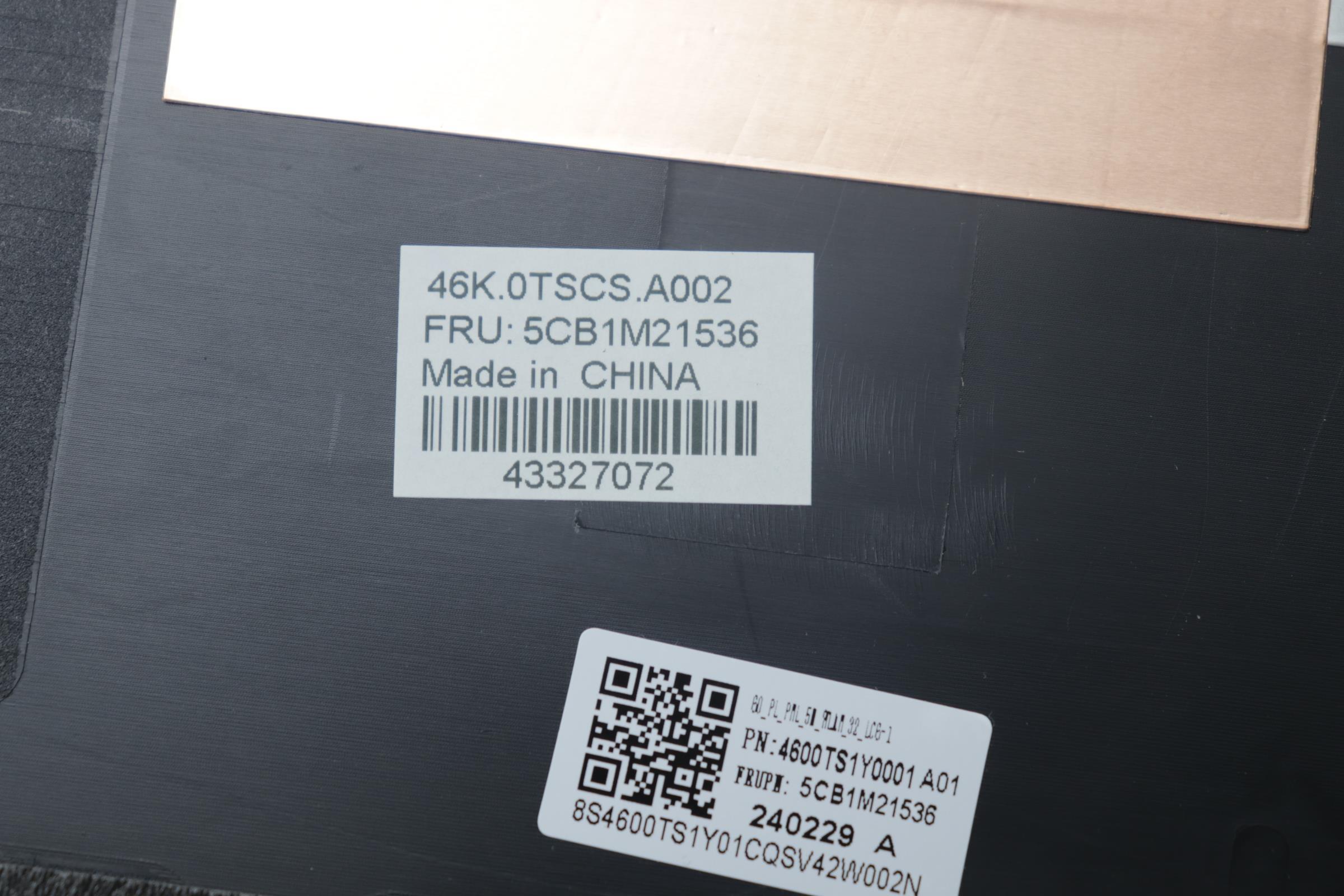
StoneTaskin 5CB1M21536 For Lenovo ThinkPad L16 Gen 1 & Gen 2 LCD Laptop A-Cover Assembly, 3.2T Thickness, 5MP Camera, WLAN Antenna, 45 Days Warranty
Product Description
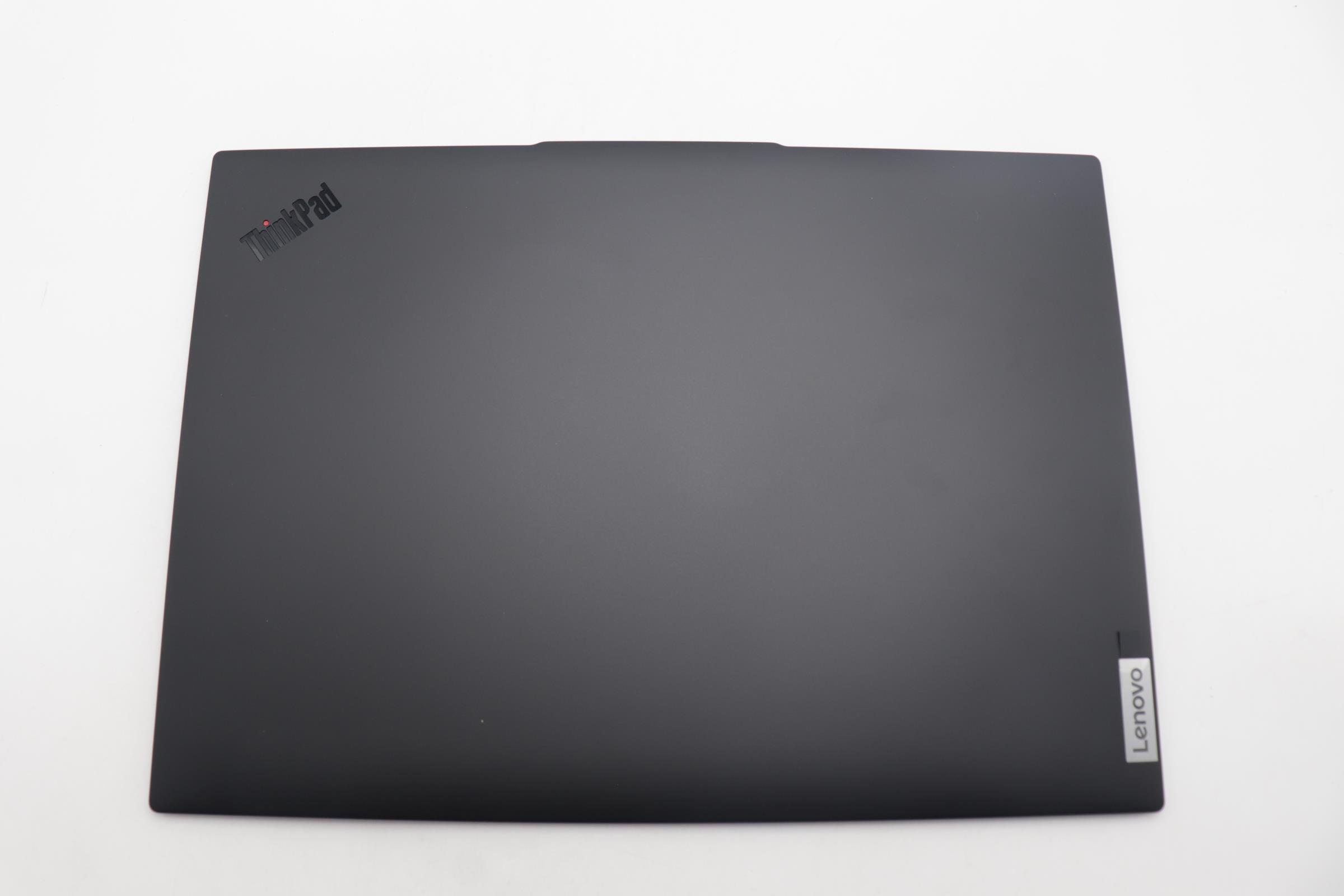
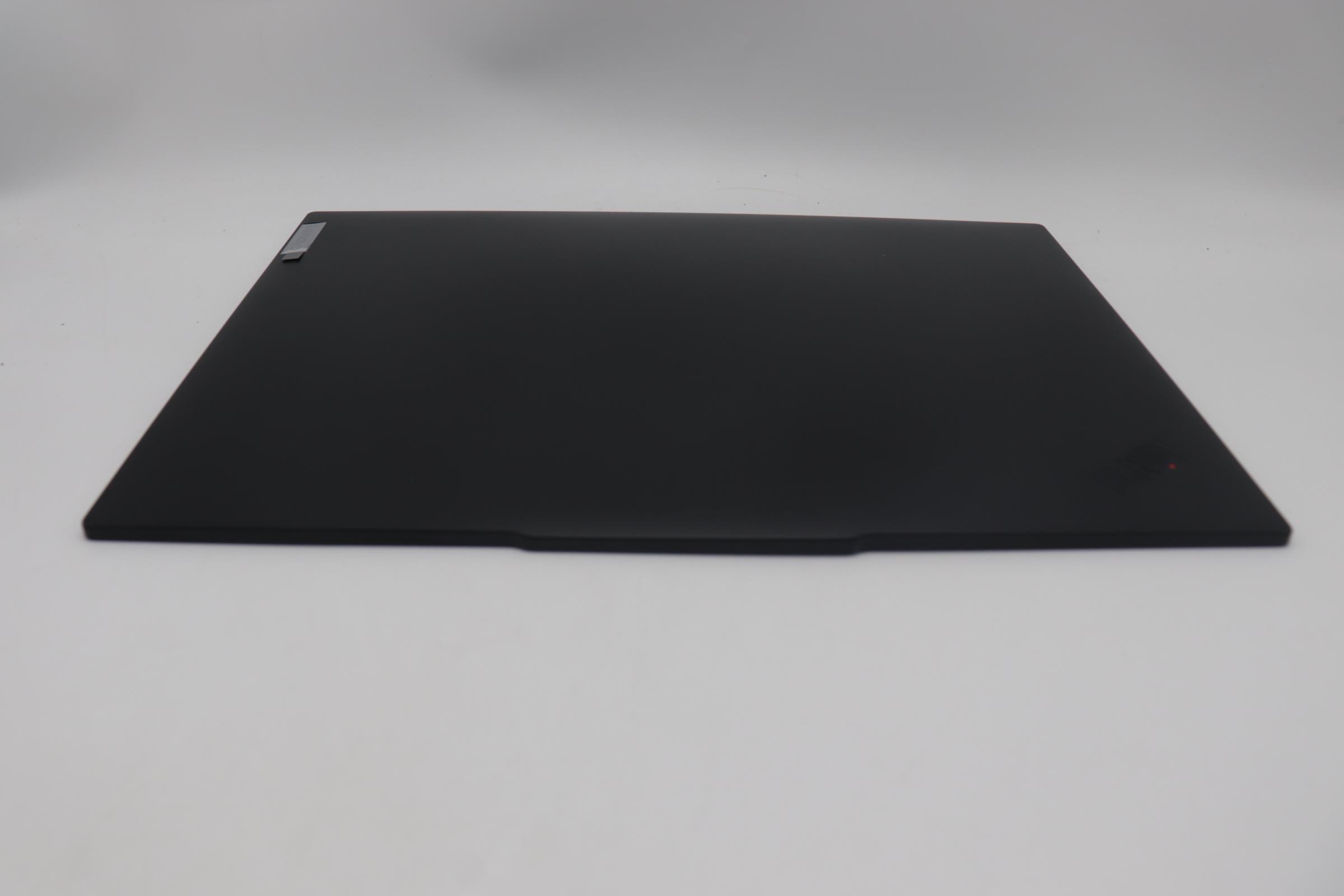
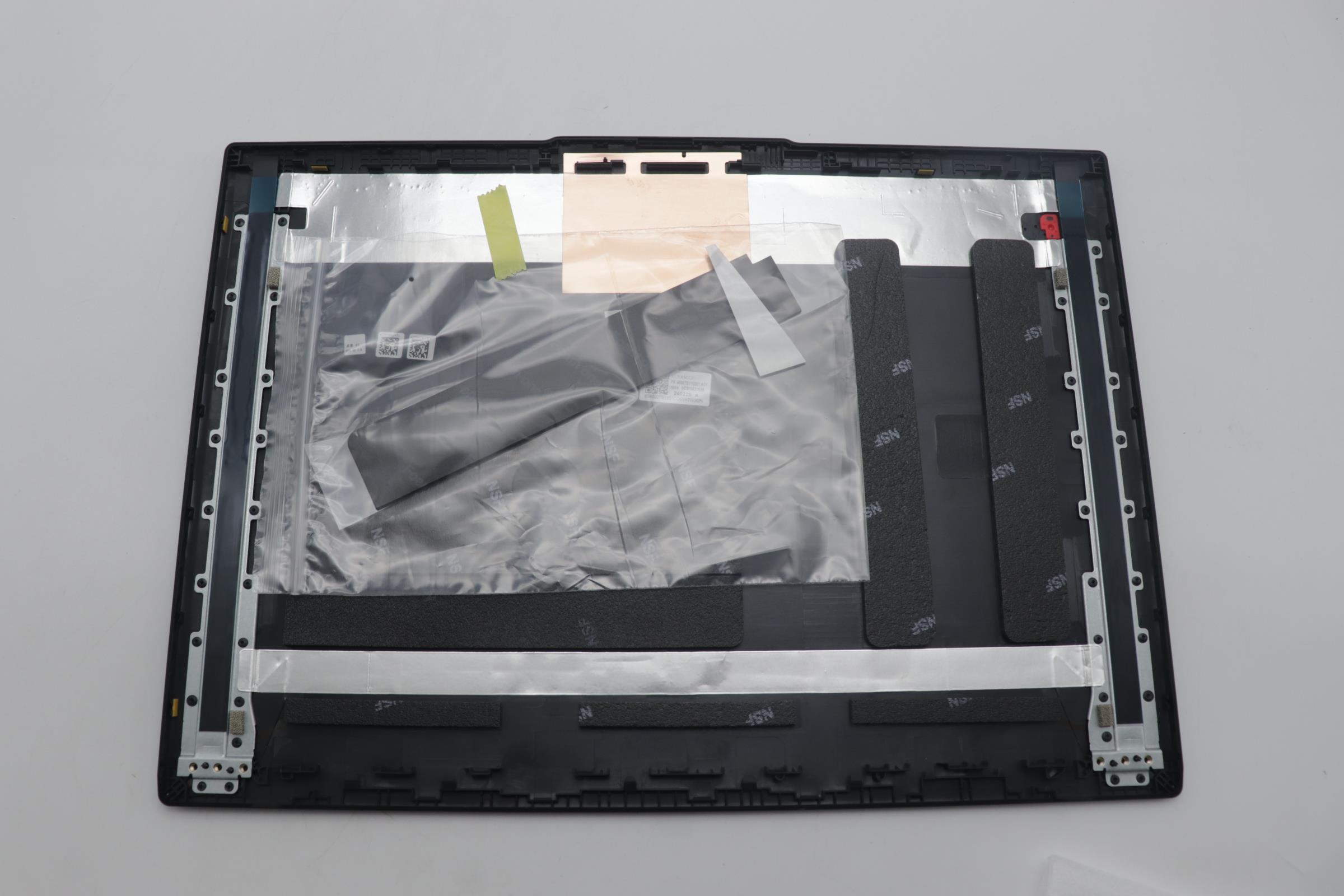
This is a genuine replacement LCD A-Cover Assembly for the Lenovo ThinkPad L16 Gen 1 and Gen 2 laptops. The part carries the Lenovo FRU number 5CB1M21536 and is sold by the third-party supplier StoneTaskin. It is a complete top lid assembly that includes the rear cover of the display, with integrated 5MP camera and WLAN antenna. The product is constructed with 3.2T thickness material and comes with a 45-day warranty.
Core Specifications
|
Item |
Details |
|---|---|
|
Part Number / FRU |
5CB1M21536 (Original Lenovo FRU) |
|
Compatible Models |
Lenovo ThinkPad L16 Gen 1 and ThinkPad L16 Gen 2 |
|
Specific Model Types |
Gen 1: 21JT, 21JU; Gen 2: 22NX, 22NY (Check your bottom label) |
|
Part Type |
LCD A-Cover Assembly (Top Lid / Back Cover) |
|
Material Thickness |
3.2T (Indicates material gauge/thickness) |
|
Integrated Features |
5 Megapixel Camera, WLAN Antenna (Wi-Fi & Bluetooth) |
|
Color |
Black (Standard ThinkPad Color) |
|
Condition |
New / Original (Genuine Compatible) |
|
Warranty |
45 days (provided by StoneTaskin) |
Detailed Information & Compatibility
1. What is This Part?
The LCD A-Cover Assembly is the outer back shell of the laptop's display lid. It is the part you see on the back of the screen. This assembly comes pre-integrated with:
-
The main A-cover structure (with Lenovo and ThinkPad branding).
-
A 5MP IR/RGB Hybrid Camera (supports Windows Hello facial recognition).
-
WLAN Antenna Wires for Wi-Fi and Bluetooth signal transmission.
2. Critical Compatibility Check
This assembly is designed for both ThinkPad L16 Gen 1 and Gen 2 models. While the FRU is listed for both, it is crucial to confirm the physical compatibility with your specific generation, as minor design changes (like antenna routing or clip positions) can occur.
To ensure compatibility:
-
Verify your laptop's Machine Type Model (MTM) on the bottom label (e.g., 21JTxxx, 22NXxxx).
-
Check the part number on your original A-cover (if possible) to see if it matches or is similar to 5CB1M21536.
3. Why Replace the A-Cover Assembly?
-
Physical Damage: Cracked, dented, or severely scratched back cover.
-
Camera Failure: The integrated camera module malfunctions.
-
Wi-Fi Signal Issues: Damaged or detached internal WLAN antennas leading to poor wireless reception.
-
Convenience: Replaces the entire lid back cover with pre-installed components, saving the time and risk of transferring the fragile camera and antennas from an old cover.
Installation Guide (Medium-High Difficulty)
⚠️ Warning: Replacing the A-cover assembly requires full disassembly of the display module, including removing the B-Cover (front bezel), the LCD panel, and disconnecting all related cables. This is a delicate process.
General Steps Overview:
-
Power Down & Disassemble Base: Shut down, unplug, and remove the bottom base cover to disconnect the internal battery.
-
Detach Display from Base: Remove screws securing the display hinges to the laptop base and disconnect the display video cable and antenna cables from the motherboard.
-
Disassemble the Old Display Lid:
-
Remove the B-Cover (front bezel) carefully using a plastic tool.
-
Unscrew and remove the LCD panel from the old A-cover.
-
Disconnect the camera and antenna cables from the LCD panel or their routing points.
-
-
Install Components into New A-Cover:
-
Route the antenna and camera cables through the channels in the new StoneTaskin 5CB1M21536 A-cover.
-
Mount the LCD panel onto the new A-cover and secure it with screws.
-
Connect the camera and antenna cables to the LCD panel (if applicable) or ensure they are properly routed for later connection to the motherboard.
-
-
Reattach B-Cover & Reconnect to Base: Snap the B-Cover onto the new assembly. Reconnect the display video and antenna cables to the motherboard in the base, then reattach the display hinges.
-
Final Reassembly & Test: Reconnect the battery, install the bottom cover, and power on. Test the display, camera (including Windows Hello), and Wi-Fi/Bluetooth connectivity.
Required Tools: Precision screwdriver set, plastic spudger/pry tools, anti-static wrist strap.
Warranty & Support
-
Warranty: 45 days from StoneTaskin. Covers defects in materials or workmanship.
-
Limitations: Does not cover damage from incorrect installation, mishandling, or compatibility issues if the wrong model is used.
-
Support: StoneTaskin provides seller support. Lenovo's warranty is void for this third-party part and its installation.
Package Contents
-
1 x LCD A-Cover Assembly (FRU: 5CB1M21536) with integrated 5MP Camera and WLAN Antenna.
Purchase & Pre-Installation Checklist
-
Confirm Model & Generation: Double-check your ThinkPad L16 is Gen 1 or Gen 2 via the MTM (21JT/21JU or 22NX/22NY).
-
Skill Assessment: This is a complex repair involving display components. If unsure, seek professional service.
-
Prepare Workspace: Use a clean, organized, static-free area.
-
Data Backup: Always recommended before any hardware disassembly.
Summary
The StoneTaskin 5CB1M21536 is a complete A-Cover assembly for the Lenovo ThinkPad L16 Gen 1 and Gen 2, integrating a 5MP camera and WLAN antenna. It is an efficient solution for repairing a damaged screen back cover or addressing integrated component failures. Compatibility spans both generations, but physical verification is advised. Installation is complex and best left to experienced users or technicians. The 45-day warranty offers basic coverage.