

StoneTaskin For Lenovo ThinkPad X1 Carbon Gen 10 (10th) LCD Cover Black A-Cover AQ29R000300 45 Days Warranty
Product Description:
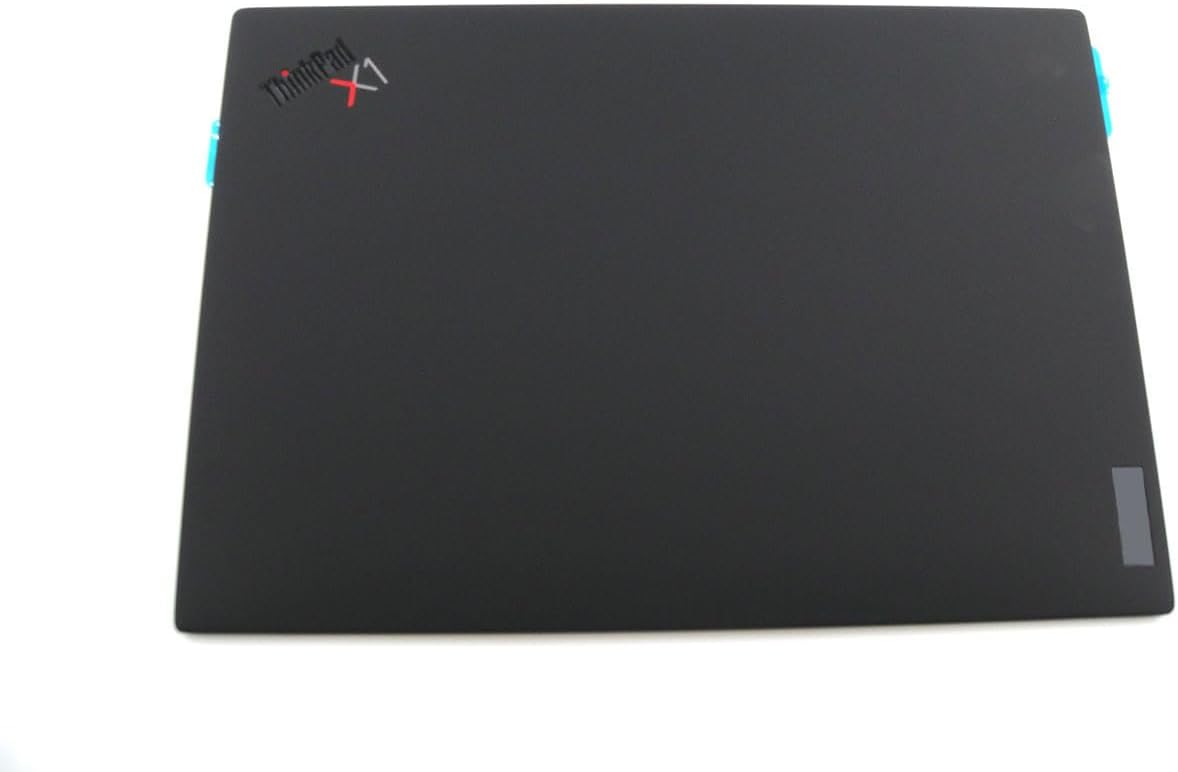
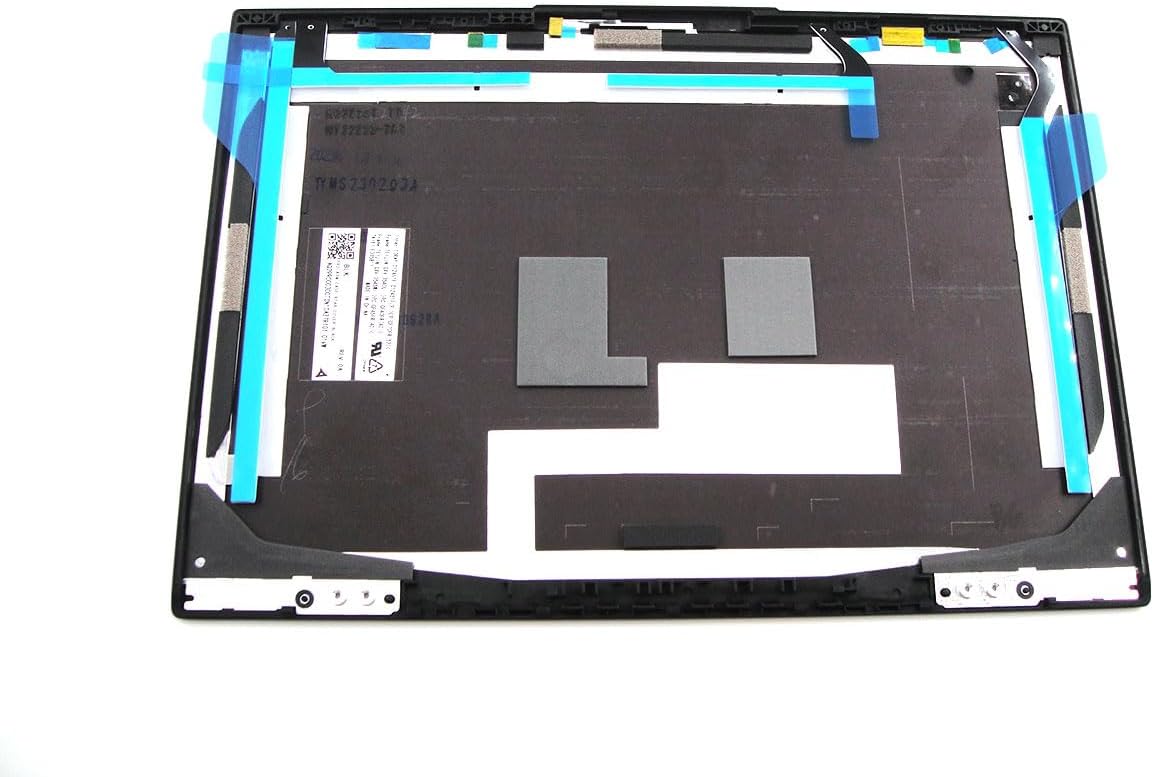
This is a replacement LCD A-Cover (rear lid shell) for the Lenovo ThinkPad X1 Carbon Gen 10 (2022, 14″ ultrabook). The part carries the Lenovo FRU AQ29R000300 and is sold by third-party supplier StoneTaskin. It is the outer rear lid that forms the back of the display assembly — not the front bezel (B-cover), not the LCD panel, not a full display assembly. Comes with a 45-day seller warranty (not Lenovo official).
⚡ Core Specifications
|
Item |
Details |
|---|---|
|
Lenovo FRU |
AQ29R000300 |
|
Compatible Model |
ThinkPad X1 Carbon Gen 10 — Machine Types 21CB / 21CC (2022 release) |
|
Not Compatible With |
X1 Carbon Gen 9 (20XW/20XX), Gen 11 (21HM/21HN) — different FRU / hinge&antenna routing |
|
Material |
Carbon-fiber reinforced composite (X1C signature lightweight construction) — black finish |
|
Finish |
Matte black, soft-touch texture (classic X1 Carbon feel) |
|
Logo |
Lenovo + ThinkPad logo area (may be pre-applied or transfer-from-old — check seller photos) |
|
Camera Cutout |
Yes — top-center cutout for IR/RGB cam + ambient light sensor (Gen10 config-dependent) |
|
Antenna Routing |
Internal channels for WLAN/WWAN antenna coax (antennas themselves transfer from old lid) |
|
Condition |
New third-party (StoneTaskin) |
|
Warranty |
45 Days — seller-level, not Lenovo factory |
🔍 What This Part Is / Isn't
|
✅ This A-Cover Includes |
❌ NOT Included |
|---|---|
|
Outer rear lid shell (carbon composite) |
LCD panel |
|
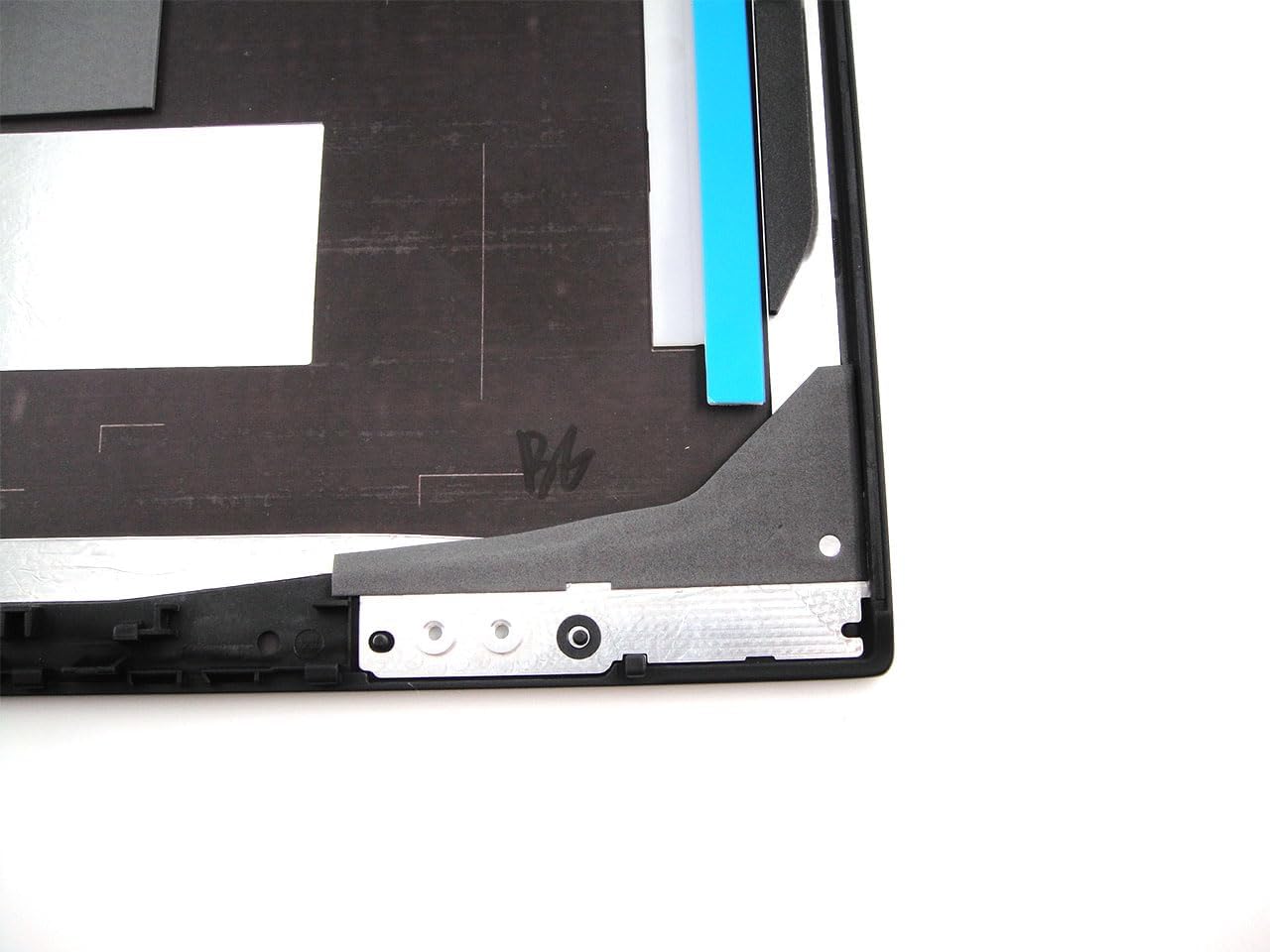
Hinge mounting points (matched to Gen10 hinge geometry) |
B-Cover (front bezel) |
|
Camera cutout + internal antenna channels |
Hinges themselves |
|
Lenovo / ThinkPad logo position |
Antenna cables (transfer yours) |
|
Webcam module (transfer yours) |
|
|
LCD cable / eDP routing (cable routes through hinge, not the lid shell itself) |
⚠️ Critical Compatibility — Don't Guess
X1 Carbon generations look similar but FRUs don't cross:
|
Generation |
Machine Type |
Example FRU (A-Cover) |
|---|---|---|
|
Gen 9 |
20XW / 20XX |
Different FRU family |
|
Gen 10 |
21CB / 21CC |
AQ29R000300 ← This listing |
|
Gen 11 |
21HM / 21HN |
Different FRU family |
Even though Gen9/10/11 share the 14″ form factor and similar silhouette, the hinge boss positions, antenna channel routing, and camera bump can differ slightly — Gen10 FRU will not reliably fit Gen9 or Gen11. Always confirm your bottom-label MTM reads 21CB or 21CC.
How to verify:
-
Flip laptop → bottom sticker → Type =
21CBor21CC -
Or open the lid → look at the white sticker on the insideof your current A-cover (once you pop the bezel) → should reference AQ29R000300 or a close sibling FRU
🏗️ X1 Carbon Gen10 A-Cover — Build Context
The X1C Gen10 lid is carbon-fiber hybrid (Lenovo's "Carbon" weave + resin + glass-fiber reinforcement on some trims) — not the ABS plastic used on L/E-series. This means:
-
Much lighter (~1.12 kg total system weight)
-
Stiffer — but also more brittle if pried incorrectly
-
The soft-touch coating on black units can peel/stick with age (common complaint on X1C Gen8–10) — this replacement restores the original feel
Gen10 lid also carries WLAN + optional WWAN antenna coax internally (glued/sticker-routed), plus the IR cam / RGB cam / ALS at the top for Windows Hello.
🔧 Installation Difficulty: Medium-High (Flagship Ultrabook)
X1 Carbon Gen10 lid swap isn't the hardest thing ever, but it's unforgiving because of the thin carbon shell and delicate coax:
From Lenovo's HMM (Gen10 LCD module removal flow):
-
Bottom cover off → disconnect battery (critical — X1C has live rails near the hinge area)
-
Disconnect display eDP cable + antenna coax + camera cable from the system board side
-
Remove the B-Cover (front bezel) — plastic pry tool, work the clips gently (carbon lid edges chip if you pry too hard)
-
Unscrew the LCD panel from the old A-cover (usually 4 screws, nylon-coated)
-
Transfer camera bracket + antennas onto the new StoneTaskin A-cover — antennas are adhesive-backed, peel slowly with heat if needed
-
Mount LCD panel onto new lid, snap B-cover back on
-
Reconnect all cables to motherboard, reinstall bottom cover
X1C-Specific Pitfalls:
|
Mistake |
Consequence |
|---|---|
|
Prying B-cover too hard |
Carbon edge chips / cracks (expensive — you'll need anotherlid) |
|
Antenna coax pinched in hinge |
Wi-Fi 6E / WWAN signal dropouts — X1C hinge gap is tight |
|
Camera bracket screws overtightened |
Strips the tiny M1.6-ish bosses in the carbon lid — veryhard to recover |
|
Mixing up eDP cable orientation |
Backlight doesn't fire / T-CON overcurrent — double-check the latch direction |
|
Skipping battery disconnect |
Shorting the eDP power rail can kill the T-CON on the newLCD instantly |
💡 X1 Carbon Gen10 uses 2× Thunderbolt 4 and Wi-Fi 6E (AX211) — if you botch the antenna transfer, you'll wonder why your 6E speeds tank.
📦 Package Contents (Typical)
-
1× LCD A-Cover (FRU AQ29R000300) — black, carbon composite
-
(May include Lenovo/ThinkPad logo pre-applied, or blank — confirm with seller)
Hinges, antennas, camera, bezel, LCD panel, screws = NOT included — transfer from your old assembly.
✅ Pre-Purchase Checklist
-
Confirm MTM =
21CBor21CCon bottom sticker — Gen10 only -
Confirm FRU on your current lid =
AQ29R000300(or close sibling) before ordering -
Is your damage actually the A-cover? Common X1C Gen10 lid issues:
-
Corner crack near hinge (drop impact — most common)
-
Soft-touch coating gone sticky (cosmetic, but annoying)
-
Carbon weave delam (rare but happens on early units)
-
-
Camera config — if your Gen10 has the IR cam + RGB cam (Windows Hello), confirm the new lid has the dual-cutout at top-center (most AQ29R000300 units do, but worth asking StoneTaskin for a photo)
💰 Bottom Line
The AQ29R000300 A-Cover is the correct OEM-spec rear lid for X1 Carbon Gen 10 (21CB/21CC). StoneTaskin's version is a third-party new part — cheaper than Lenovo's ~$80–130 FRU pricing, with the trade-off being 45-day seller warranty only and no Lenovo logo guarantee (some batches ship logo-less, some have it). The carbon shell is unforgiving during install — if you haven't stripped an X1C before, watch a HMM video or go pro. The #1 killer on this model is hinge-corner cracking from opening the lid one-handed by the corner — if that's why you're buying, consider training your habit after the swap.
If you want, paste your MTM (21CB/21CC + 3 digits) or a photo of the current lid's white FRU sticker — I'll confirm the exact FRU match and whether your cam config (IR vs RGB-only) aligns with this AQ29R000300 before you order.