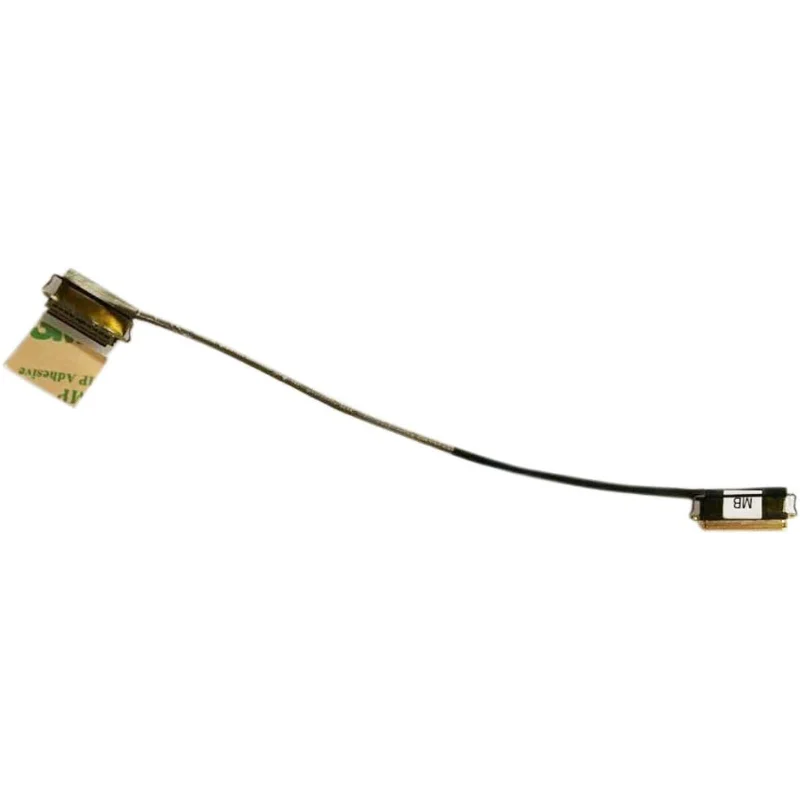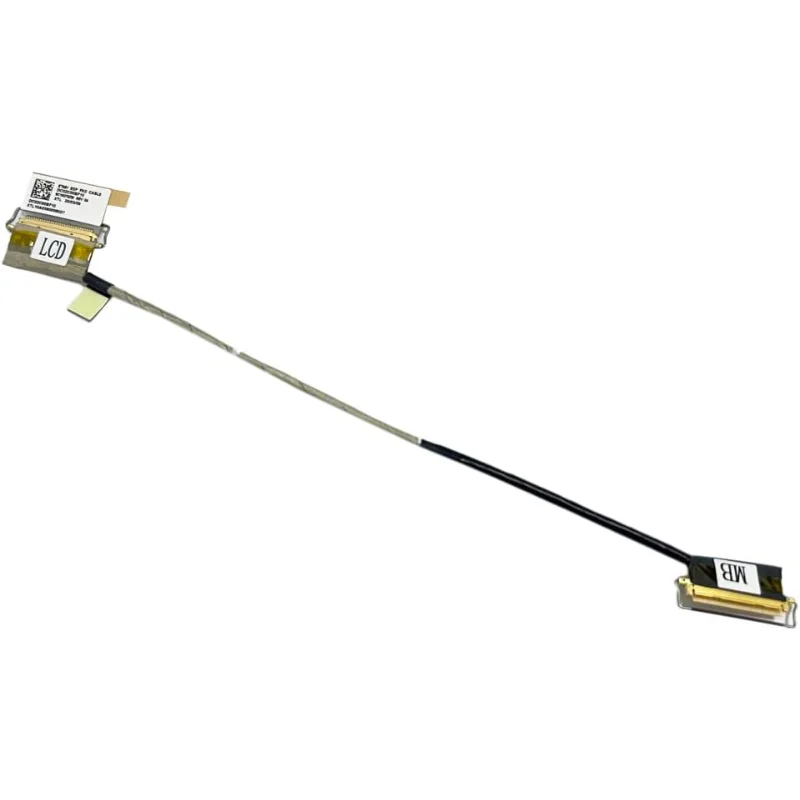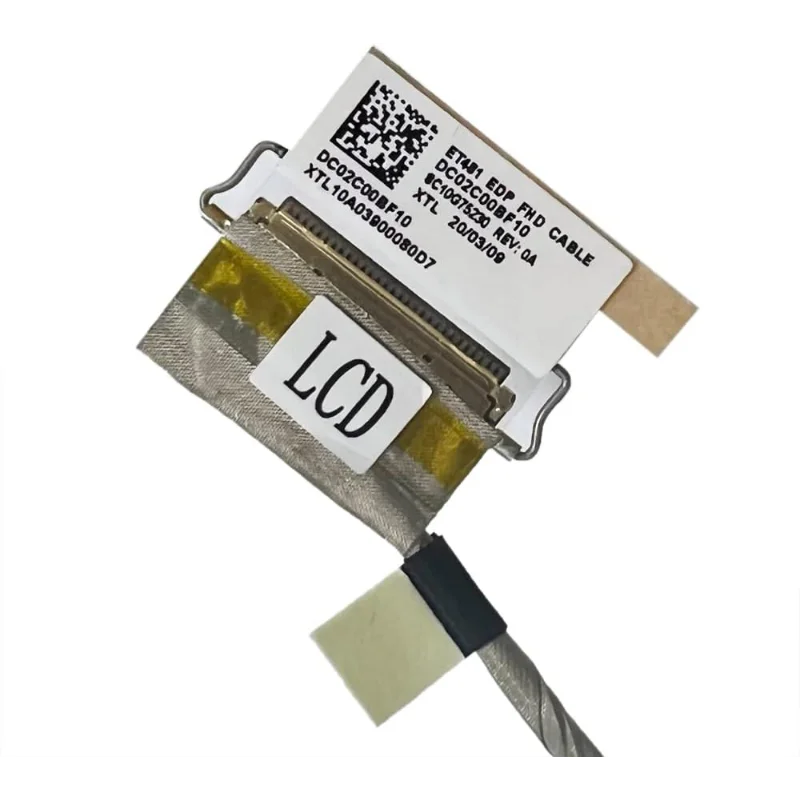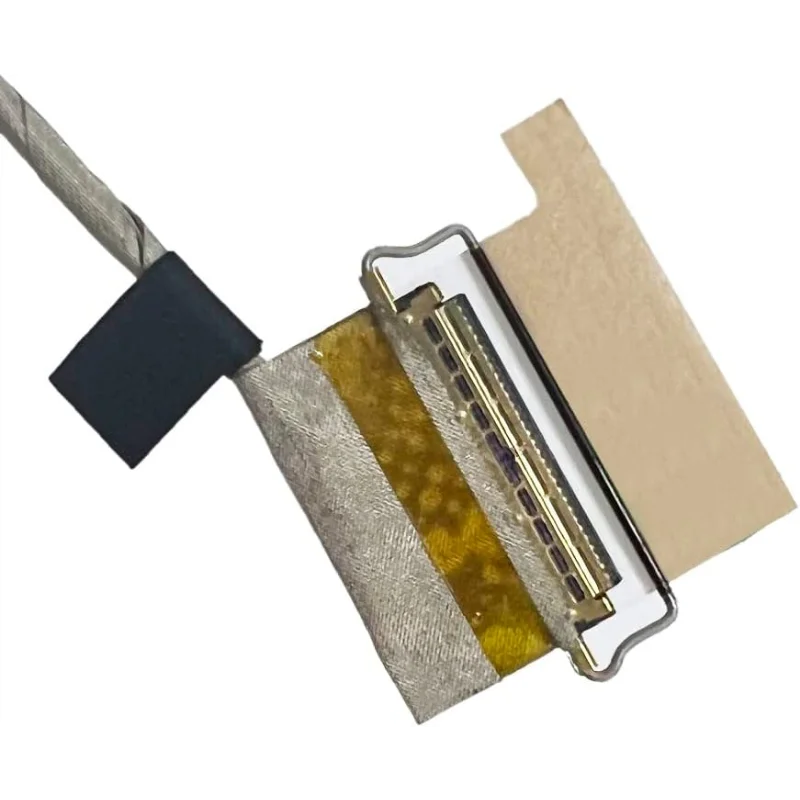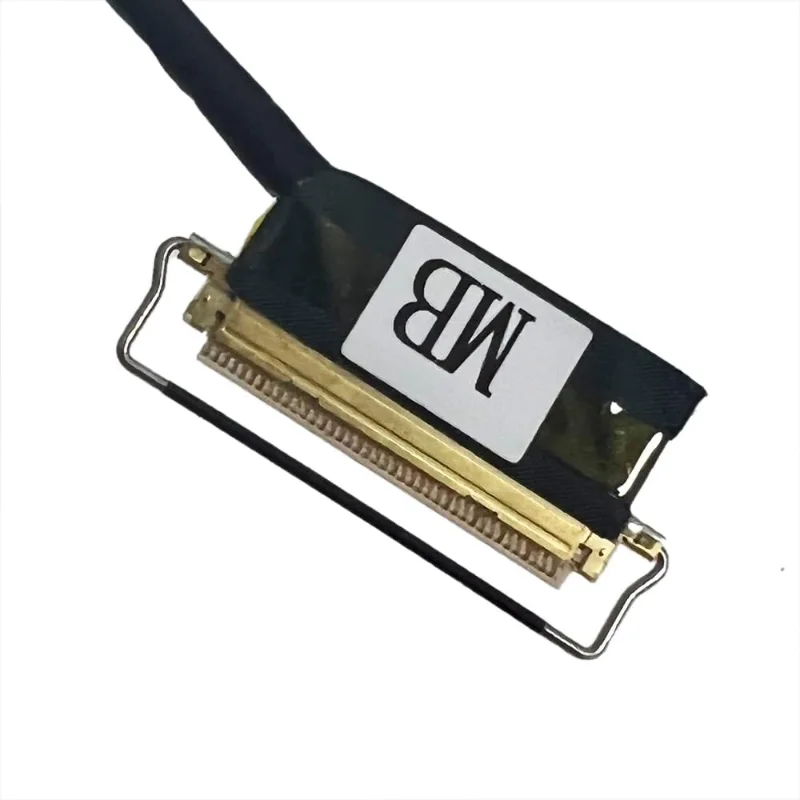


StoneTaskin LCD EDP Flex Cable (Non-Touch) for Lenovo ThinkPad T480S 20L7 - Part Number 01EN999 DC02C00BF00 - 45 Days Warranty
Product Description
StoneTaskin brand high-quality replacement LCD EDP (Embedded DisplayPort) flex cable specifically designed for Lenovo ThinkPad T480S laptops (model 20L7). This non-touch display cable connects the LCD panel to the motherboard, transmitting video signals and power to the screen. Compatible with part number 01EN999 DC02C00BF00, this cable provides a reliable solution for repairing display connectivity issues, screen flickering, or complete display failure on your ThinkPad T480S.
Key Features
-
Direct Replacement: Exact replacement for Lenovo part number 01EN999 DC02C00BF00
-
Non-Touch Version: Specifically for standard (non-touch) display models
-
High-Quality Construction: Durable flex cable with reinforced connectors
-
Precision Engineering: Manufactured to exact OEM specifications
-
Easy Installation: Proper length and connector orientation for straightforward replacement
Technical Specifications
-
Part Number: 01EN999 DC02C00BF00 (Lenovo OEM reference)
-
Compatibility: Lenovo ThinkPad T480S (Model 20L7)
-
Cable Type: EDP (Embedded DisplayPort) flex cable
-
Display Type: Non-touch LCD panels only
-
Connector Types:
-
LCD Panel End: 40-pin eDP connector (standard configuration)
-
Motherboard End: Specific ThinkPad T480S motherboard connector
-
-
Cable Length: Appropriate length for proper routing within chassis
-
Shielding: EMI shielding for signal integrity
-
Color: Typically black with gray connectors
Compatibility Information
-
Primary Model: Lenovo ThinkPad T480S (Model 20L7)
-
Display Compatibility: Non-touch LCD panels only (not compatible with touchscreen models)
-
Important Verification:
-
Confirm your laptop model is ThinkPad T480S 20L7
-
Check existing cable part number matches 01EN999 DC02C00BF00
-
Verify your display is non-touch version
-
-
Alternative Models: May also fit other ThinkPad T480 variants (verify before purchase)
Package Includes
-
1x LCD EDP flex cable for ThinkPad T480S
-
Protective packaging
-
Basic installation reference
-
Warranty documentation
Who Should Buy
-
ThinkPad T480S owners experiencing display connectivity issues
-
Users with flickering screens, intermittent display, or no display at all
-
Those with physically damaged or torn display cables
-
Repair technicians servicing ThinkPad T480S models
-
IT departments managing ThinkPad business laptop fleets
Common Issues Addressed
-
No Display: Complete display failure due to cable damage
-
Screen Flickering: Intermittent connection causing flickering or artifacts
-
Lines on Screen: Horizontal or vertical lines indicating cable issues
-
Intermittent Display: Display works only at certain angles or positions
-
Physical Damage: Torn, pinched, or otherwise damaged original cable
ThinkPad T480S Specifications
Based on standard ThinkPad T480S configuration:
-
Display Options: 14-inch FHD (1920×1080) or WQHD (2560×1440)
-
Processor: Intel 8th Gen Core i5/i7
-
Memory: Up to 24GB DDR4
-
Storage: M.2 PCIe NVMe SSD
-
Graphics: Intel UHD Graphics 620 or optional NVIDIA MX150
-
Connectivity: Wi-Fi, Bluetooth, optional WWAN
-
Security: Fingerprint reader, TPM 2.0, IR camera
Installation Guidelines
-
Power Down: Completely shut down laptop and disconnect all power
-
Remove Battery: If removable, take out the battery
-
Disassemble Display: Carefully remove bezel and access display assembly
-
Disconnect Old Cable:
-
Gently disconnect from LCD panel connector
-
Disconnect from motherboard connector
-
-
Remove Cable: Carefully route out old cable from hinges and chassis
-
Install New Cable:
-
Route new cable through same path as original
-
Connect to motherboard first, then to LCD panel
-
-
Test Before Assembly: Power on to verify display works
-
Reassemble: Replace bezel and complete reassembly
Why Choose This Cable
-
Perfect Fit: Precision-engineered to match original Lenovo specifications
-
Reliable Performance: High-quality materials ensure stable signal transmission
-
Cost Effective: More affordable than Lenovo OEM replacement
-
Time Saving: Eliminates need to source from manufacturer
-
Warranty Protected: 45-day coverage provides purchase confidence
Important Notes
-
Professional Installation: Display cable replacement requires technical skill
-
Handle with Care: Flex cables are delicate; avoid sharp bends or excessive force
-
Static Protection: Use anti-static precautions when handling internal components
-
Compatibility Check: Verify exact model and part number before purchase
-
Original Cable Comparison: Compare new cable with original before installation
Quality Assurance
Each cable undergoes:
-
Continuity testing for all signal lines
-
Connector integrity inspection
-
Flexibility and durability testing
-
Physical inspection for defects
-
Packaging quality control
Warranty Information
This product includes a 45-day warranty covering manufacturing defects and performance issues. The warranty does not cover installation damage, improper use, physical damage from mishandling, or compatibility issues with non-specified models. Retain purchase documentation for warranty claims.
Troubleshooting Tips
If display issues persist after installation:
-
Check Connections: Ensure both ends are securely seated
-
Inspect Cable Routing: Verify cable isn't pinched or strained
-
Test Different Angles: Check if issue is hinge-related
-
Update Drivers: Install latest graphics drivers from Lenovo
-
Professional Diagnosis: Consider certified repair service if issues continue
Additional Considerations
-
Hinge Area: Pay special attention to cable routing through hinges (common failure point)
-
Cable Management: Ensure proper slack and avoid tight bends
-
Connector Orientation: Note original cable orientation before removal
-
Service Manual: Refer to Lenovo's official ThinkPad T480S hardware maintenance manual
-
Display Type Confirmation: Double-check your display is non-touch version
Common Mistakes to Avoid
-
Forcing Connectors: Never force connectors; they should slide in smoothly
-
Sharp Bends: Avoid bending cable at sharp angles (especially near connectors)
-
Pinching: Ensure cable isn't pinched during reassembly
-
Static Damage: Always ground yourself before handling internal components
-
Incorrect Routing: Follow exact original cable routing path